List view
Getting Started
Getting Started
Use Cases
Use Cases
Nobi's UX
Nobi's UX
Customizing Nobi
Customizing Nobi
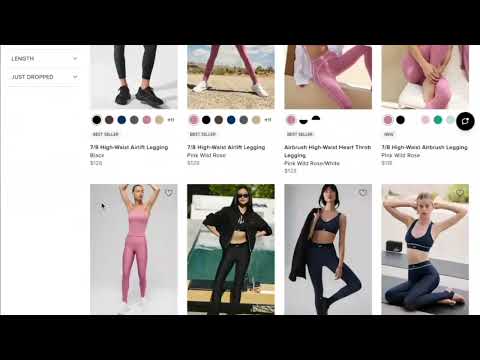
Simplify Collections Pages with AI
Add an “Ask AI” bar to the top of PLPs to empower customers to drill down from 100s or thousands of SKUs to the perfect fit in seconds, simply by asking.
This is a drop-in search box that automatically detects the context of the Collection / PLP that the shopper is on. Nobi explicitly sets the collection handle for context, used to help it limit suggestions to only that collection.
Example (for a Men’s Clothing collection page)
Installation
<nobi-search-bar auto-detect-page-context="true"></nobi-search-bar>
When
auto-detect-page-context="true" is set, the search bar automatically detects URLs matching /collections/[handle] and performs a search on products relevant to that URL. Examples:/collections/mens-shirts
/collections/summer-sale
If your URL structure is different, you can always pass in the collection handle, title, or ID directly. See the documentation for the Dual Mode Search Bar to learn more.
Configuration
See the Dual Mode Search Bar Component page for details on how to configure this feature to your liking.
Video Demo
 Made with Bullet